WhatsApp Username Without Phone Number: 12 Powerful New Privacy Features You Shouldn’t Ignore
In this blog, we’ll explain WhatsApp username without phone number in the simplest way possible. Meta is introducing a new feature that lets users share a unique username instead of revealing their personal mobile number while chatting with new people. It is designed to improve privacy, but it also brings a few security concerns that every user should understand before using it.
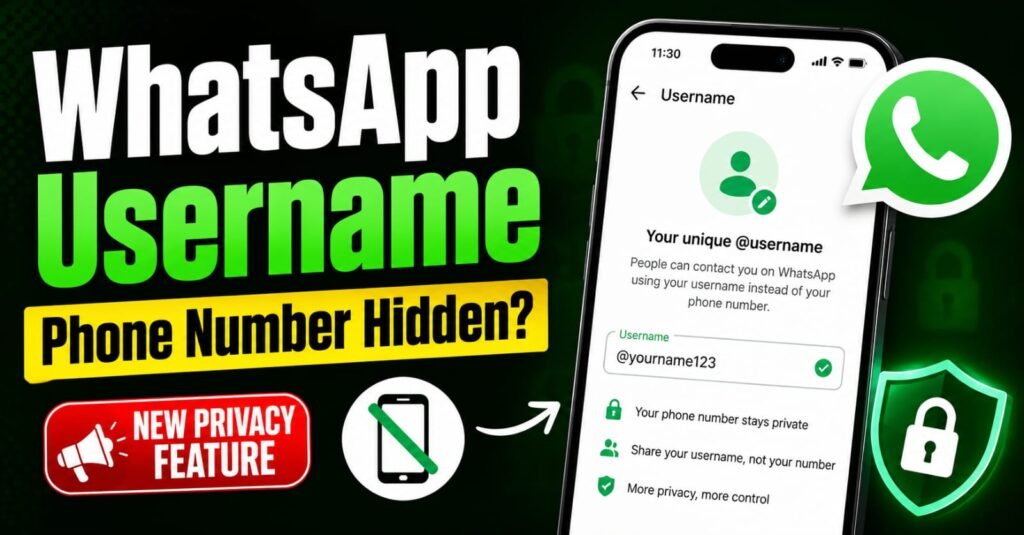
What Is WhatsApp Username Without Phone Number?
The WhatsApp username without phone number feature allows you to create a unique handle, such as @YourName, that people can use to contact you.
It is important to know that you still need a phone number to create your WhatsApp account initially. The username does not replace your phone number for registration—it simply gives you another way to connect with others while keeping your number private.
How Does WhatsApp Username Without Phone Number Work?
Once you create your username, you can share it instead of your mobile number when meeting new people.
If someone wants to message you for the first time, they must know your exact username. Your username is not searchable in a public directory and is not suggested to strangers, which adds an extra layer of privacy.
When you start a conversation with a person or a business using your username, your phone number remains hidden during the initial interaction.
Username Rules You Should Know
The WhatsApp username without phone number feature comes with a few simple rules:
If your username receives unwanted attention, you can change or delete it at any time.
Why This Feature Improves Privacy
One of the biggest benefits of WhatsApp username without phone number is that it helps protect your personal information.
When chatting with strangers, businesses, or people in large group chats, they will only see your username—for example, @AlphaName123—instead of your mobile number.
Since there is no public directory, strangers cannot randomly search for your profile or collect your details unless you personally share your exact username.
WhatsApp is also expected to offer an optional PIN protection feature. With this enabled, someone messaging you for the first time may need both your username and your PIN before they can contact you, reducing random spam messages.
Security Risks You Shouldn’t Ignore
While WhatsApp username without phone number offers better privacy, it also introduces new security challenges.
Scammers can create usernames that closely resemble government departments, banks, courier companies, businesses, or public figures. These look-alike usernames may be used in phishing attempts to trick users into sharing money or personal information.
Another concern is that users will no longer see a phone number with a country code during the first interaction. Earlier, unfamiliar country codes often acted as warning signs for international scams. Without that visible clue, identifying fake accounts could become more difficult.
Because of these fraud concerns, reports suggest that the Indian Ministry of Electronics and Information Technology is examining the feature before allowing a wider rollout in India.
How to Use WhatsApp Username Without Phone Number Safely
To stay protected while using this feature:
How to Create Your Username
When the feature becomes available, you can create your custom handle by following:
Settings → Account → Username
Meta is also expected to allow many users to sync and protect usernames similar to their existing Facebook or Instagram handles, making it easier to maintain the same online identity across platforms.
The WhatsApp username without phone number feature is a major step towards improving user privacy. It allows you to connect with new people without immediately revealing your mobile number, while still keeping your existing WhatsApp account intact.
However, privacy should always go hand in hand with caution. Since fake usernames can be created, verifying identities before sharing money or sensitive information will remain essential.
FAQs
We’ll continue bringing you simple explanations of the latest technology updates, so don’t forget to visit again for more easy-to-understand news and guides.
Disclaimer: This article is published for informational purposes only. Readers are advised to verify details from official sources before making any decisions. The website is not responsible for any loss or damage arising from the use of this information.